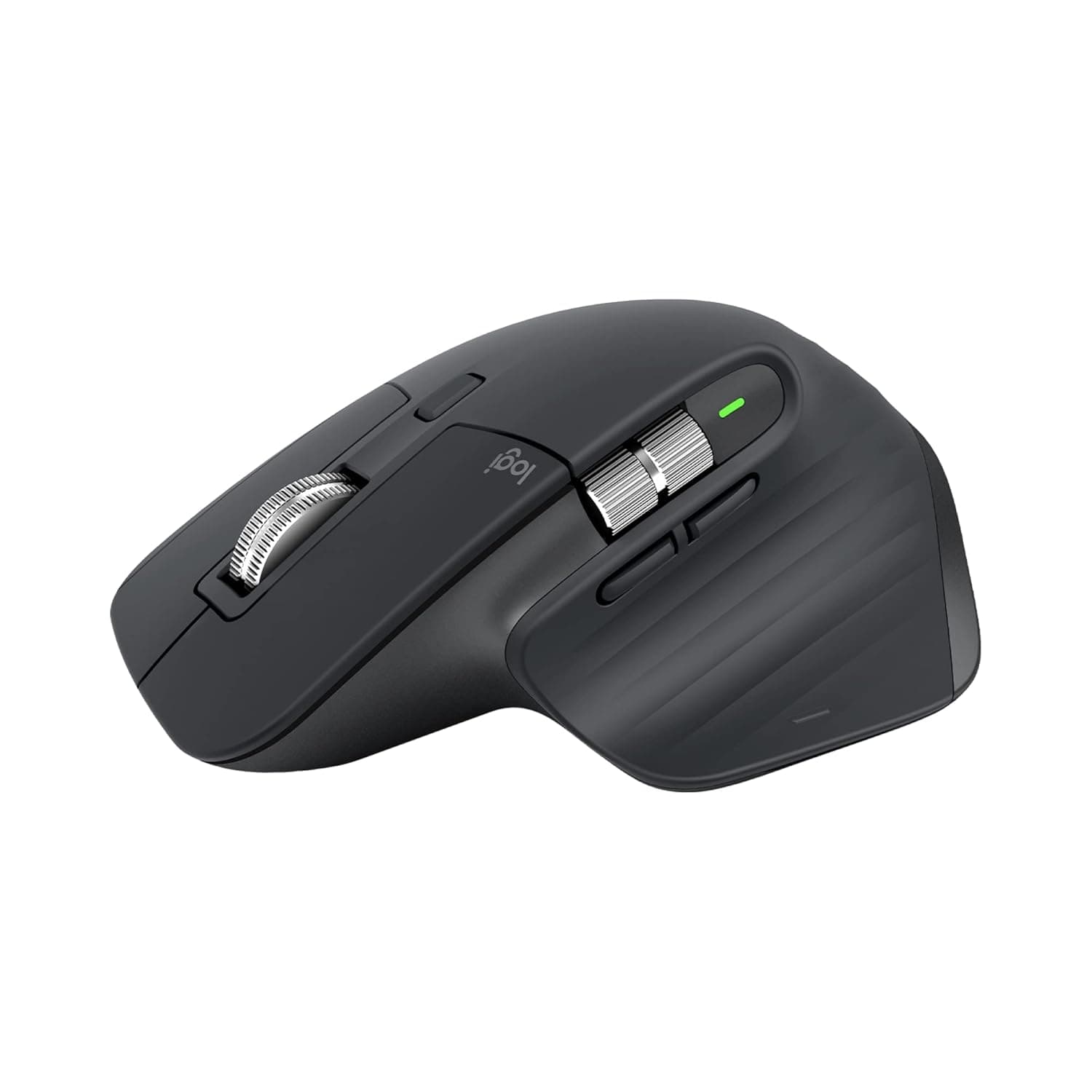
Logitech MX Master 3S
Premium Logitech MX Master 3S — The definitive choice for professionals navigating complex software.
Overall Verdict
“The definitive choice for professionals who spend their entire day navigating complex software.”
Score Breakdown
“The definitive choice for professionals who spend their entire day navigating complex software.”
Who Is This For?
Who Should Buy
- Power users navigating complex software
- Professionals valuing productivity features
- Anyone with large hands needing palm support
Who Should Avoid
- Users with small hands
- Budget-conscious buyers
Pros & Cons
Pros
- Incredibly quiet click mechanism
- Unmatched productivity features
- Works on almost any surface
Cons
- Significant investment
- May feel large for smaller hands
Full Review
Who It's For
Professionals wanting the best productivity mouse available.
Key Features
- 8K DPI Darkfield sensor
- MagSpeed electromagnetic scroll wheel
- Quiet click mechanism
- USB-C fast charging, 70-day battery
What Makes It Different
Adapts to you with customizable buttons and app-specific profiles.
Alternatives to Consider
How to Use
Rest your palm fully on the mouse body
Customize thumb buttons for frequent tasks
Use horizontal scroll for large spreadsheets
Frequently Asked Questions
Is the MX Master 3S worth the price?
For 8+ hour daily computer users, the productivity gains justify the investment.
Does it work on glass?
Yes, Darkfield sensor works on glass at least 4mm thick.
Ready to Fix Your Wrist Pain?
Get the Logitech MX Master 3S at the best price on Amazon India with fast delivery.
As an Amazon Associate we earn from qualifying purchases. Prices may vary.